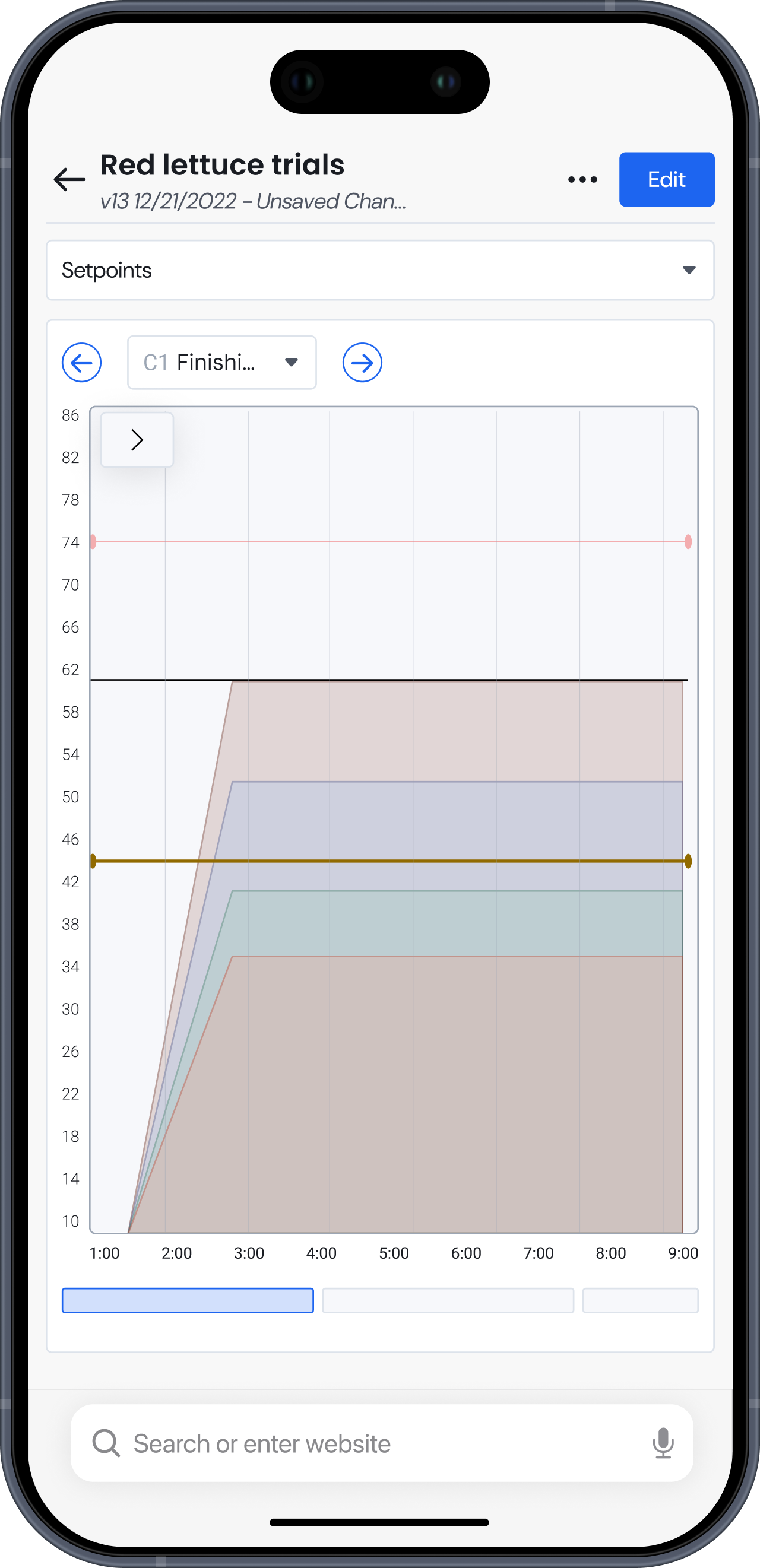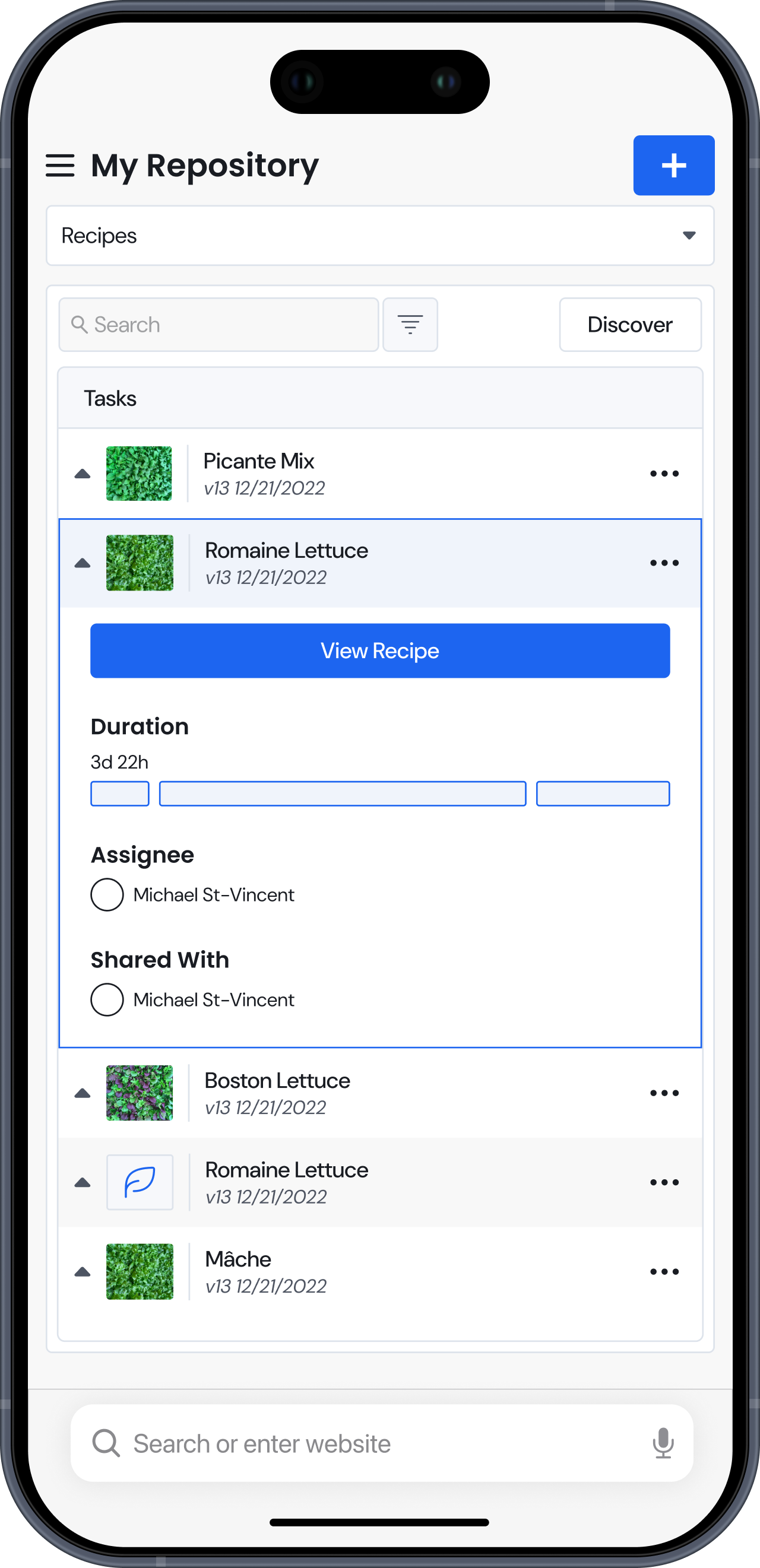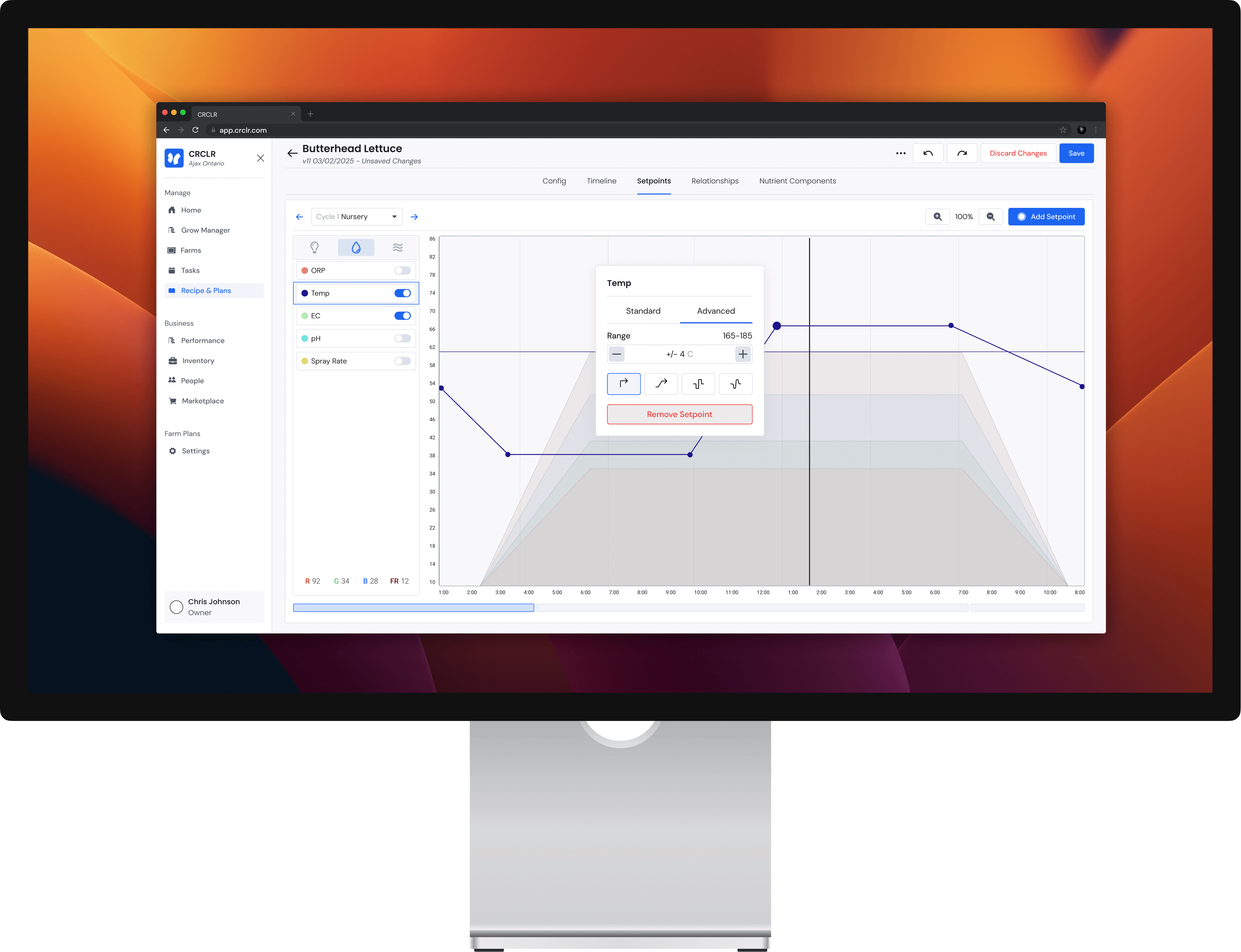
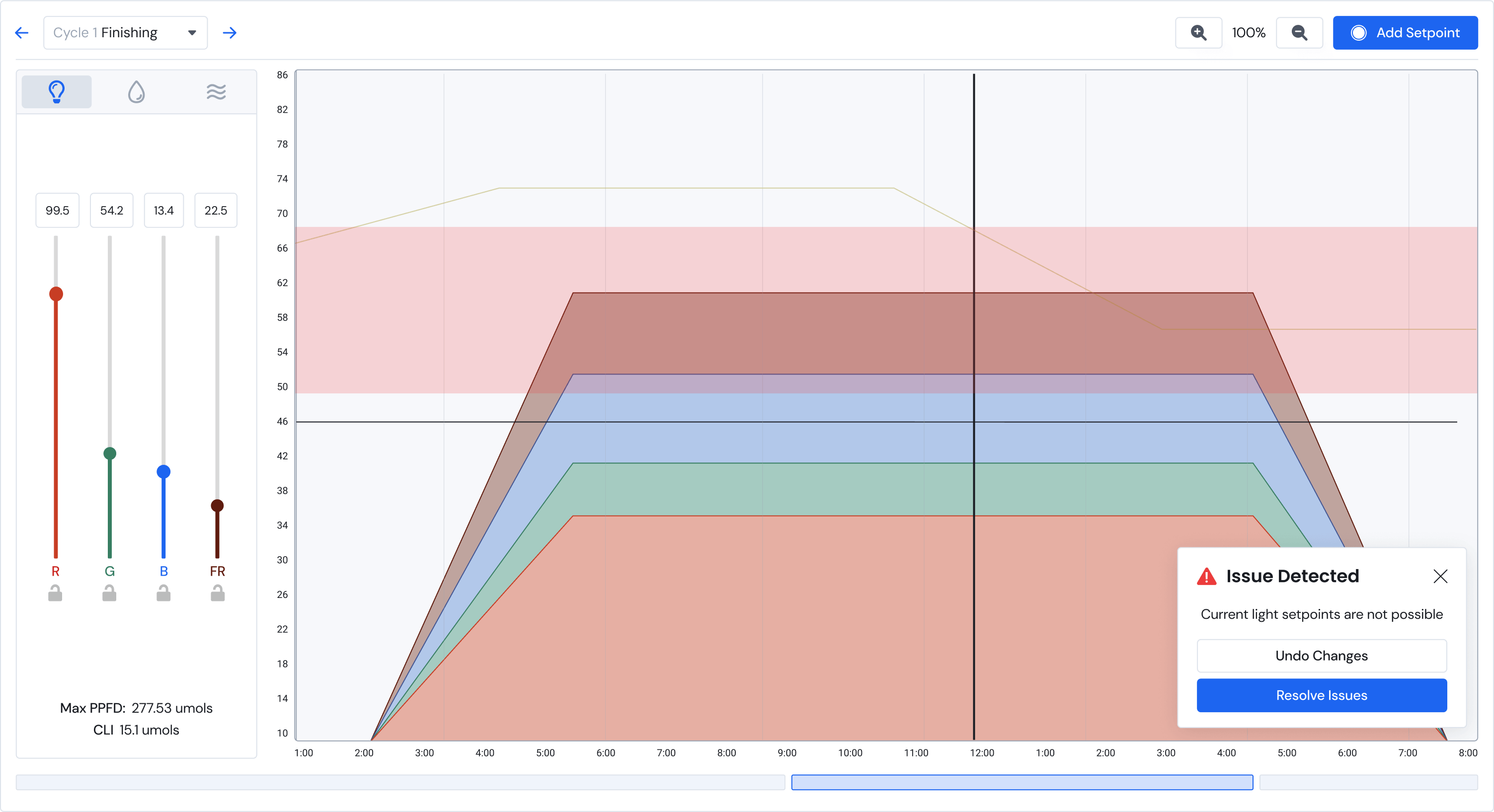
The editing page allows users to control over 15 environmental conditions over time. Parameters can be set with number inputs or visually through the graphed interface.
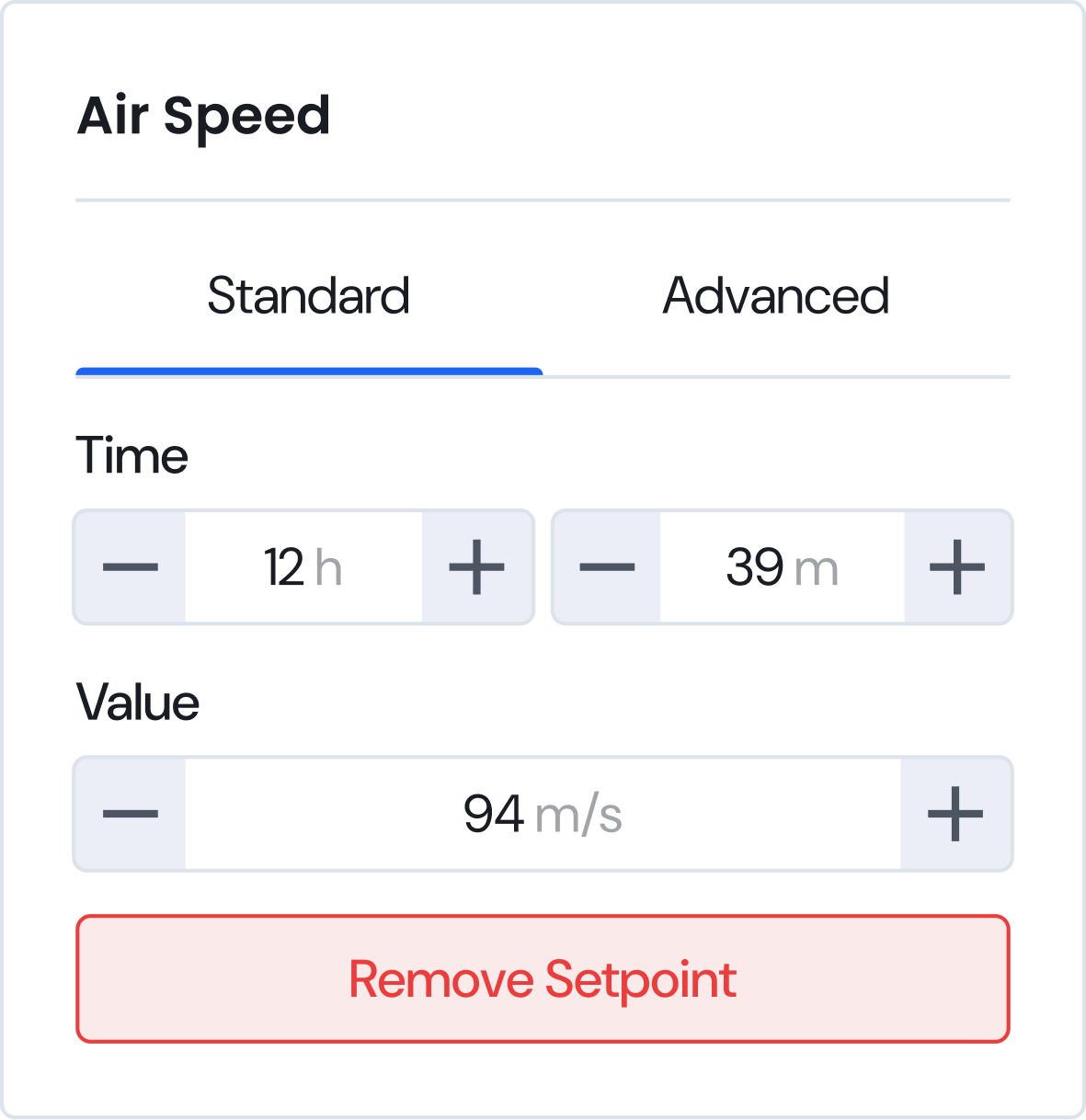
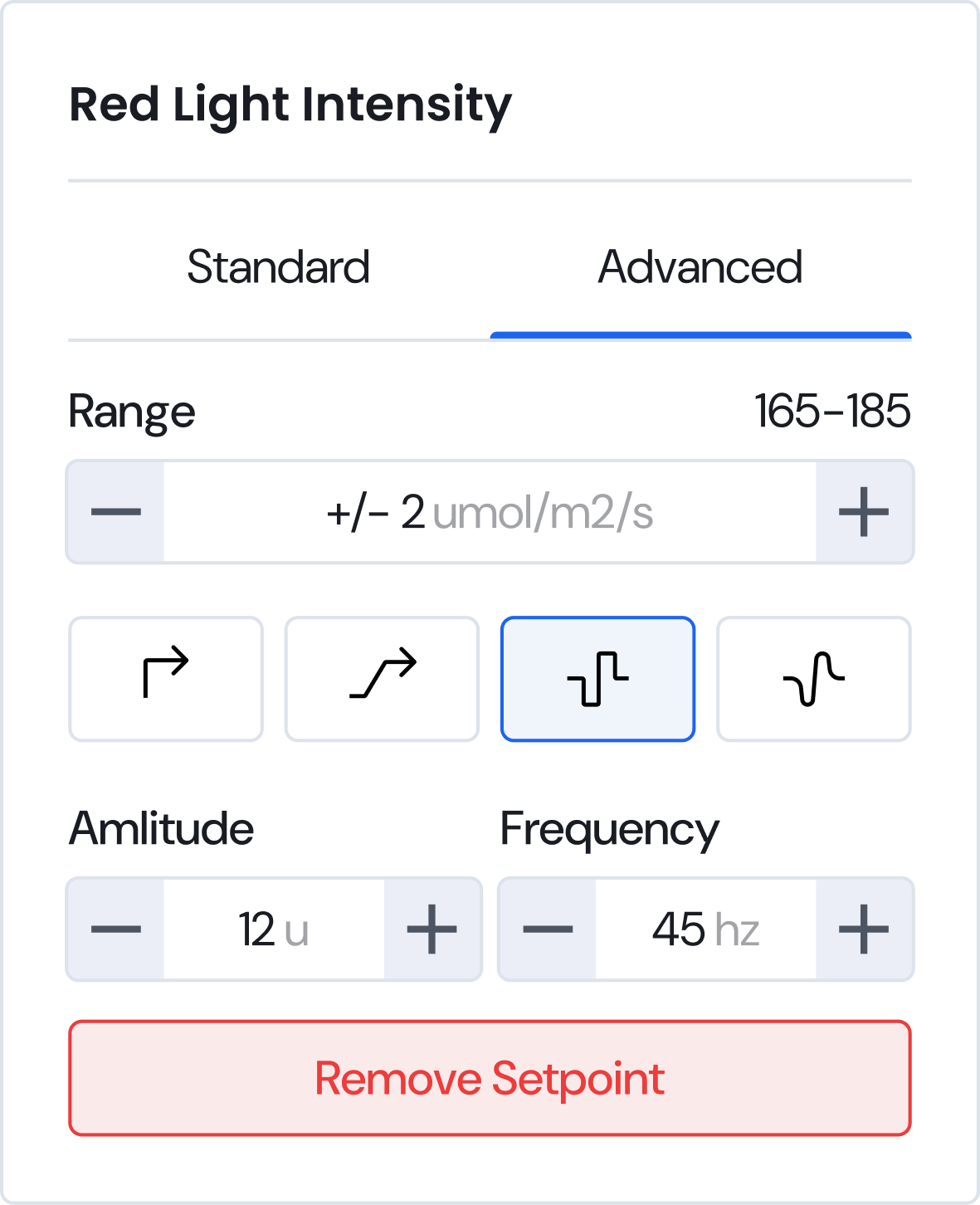
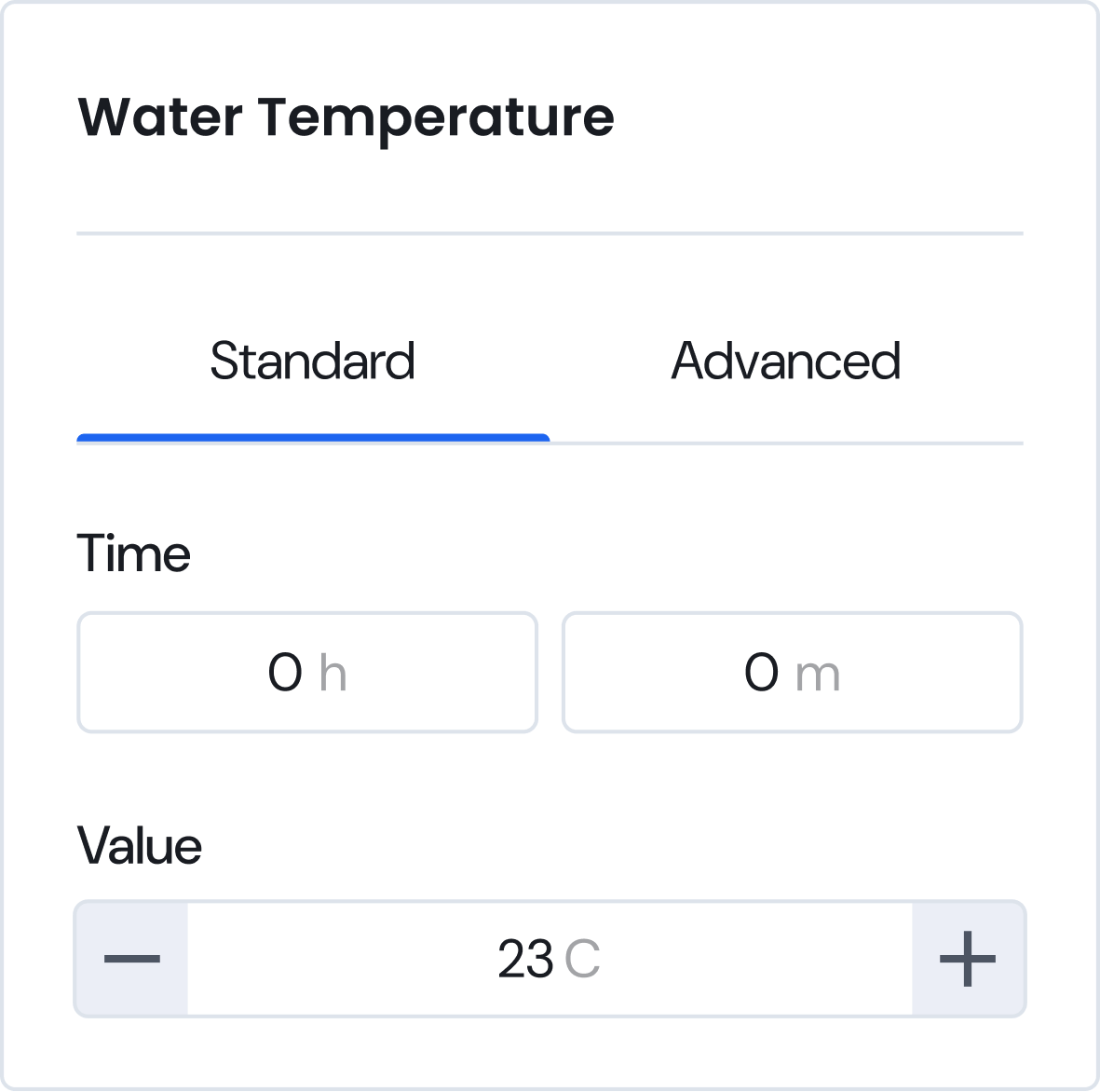
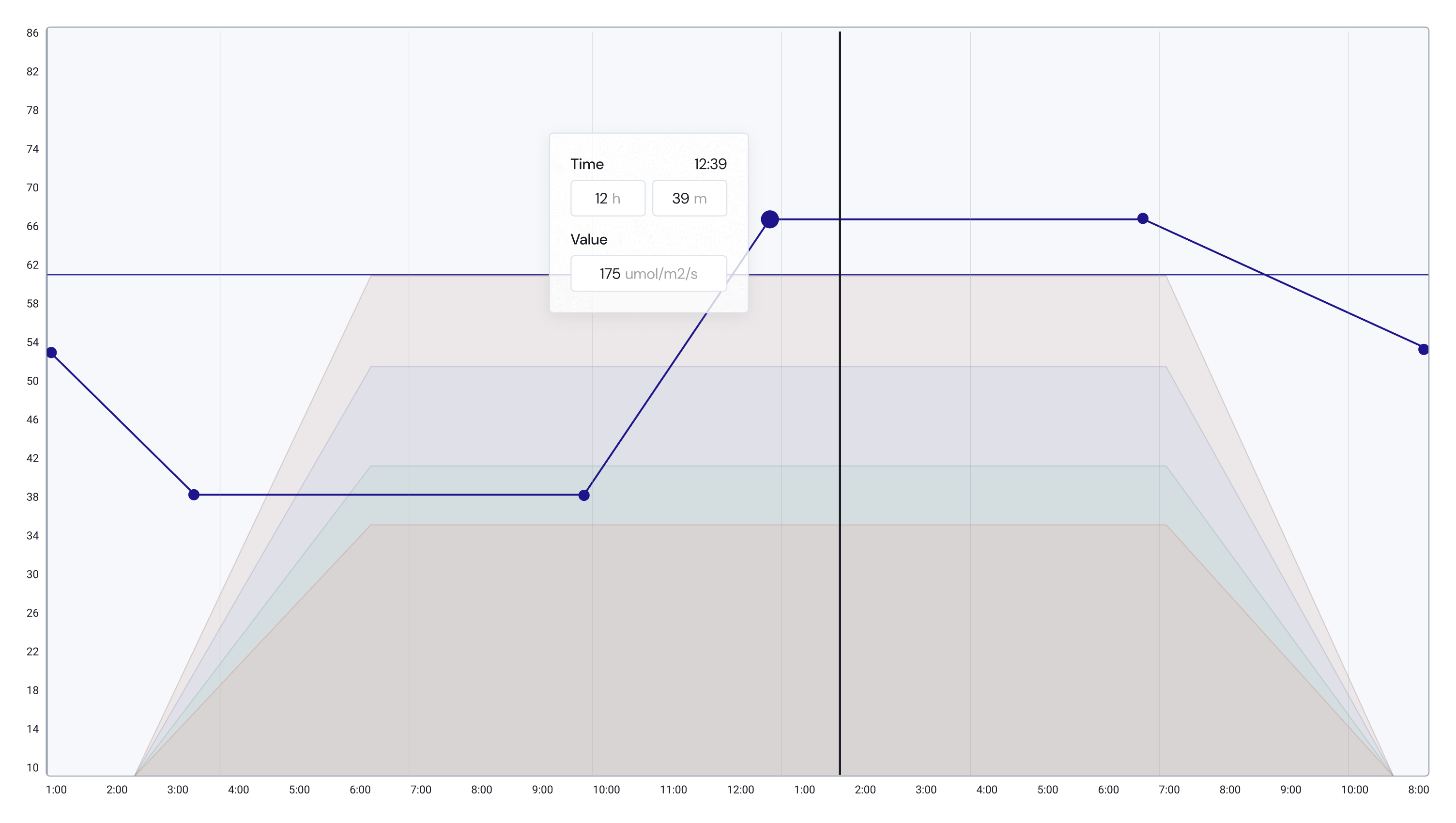
The variables can be more precisely controlled with the pop setpoint pop ups. Users can set time and values directly or move to advanced settings to change the line type or acceptable ranges.
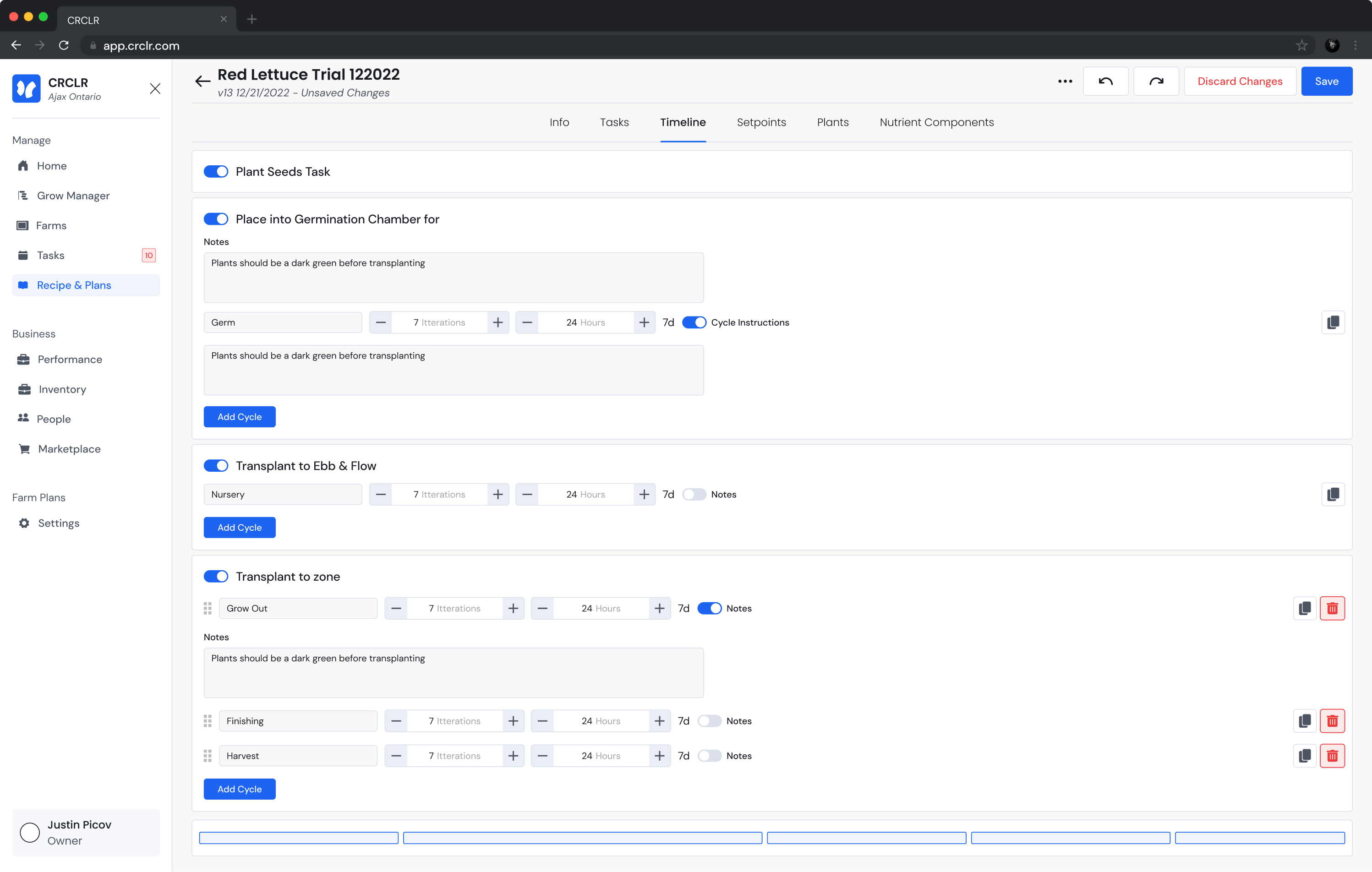
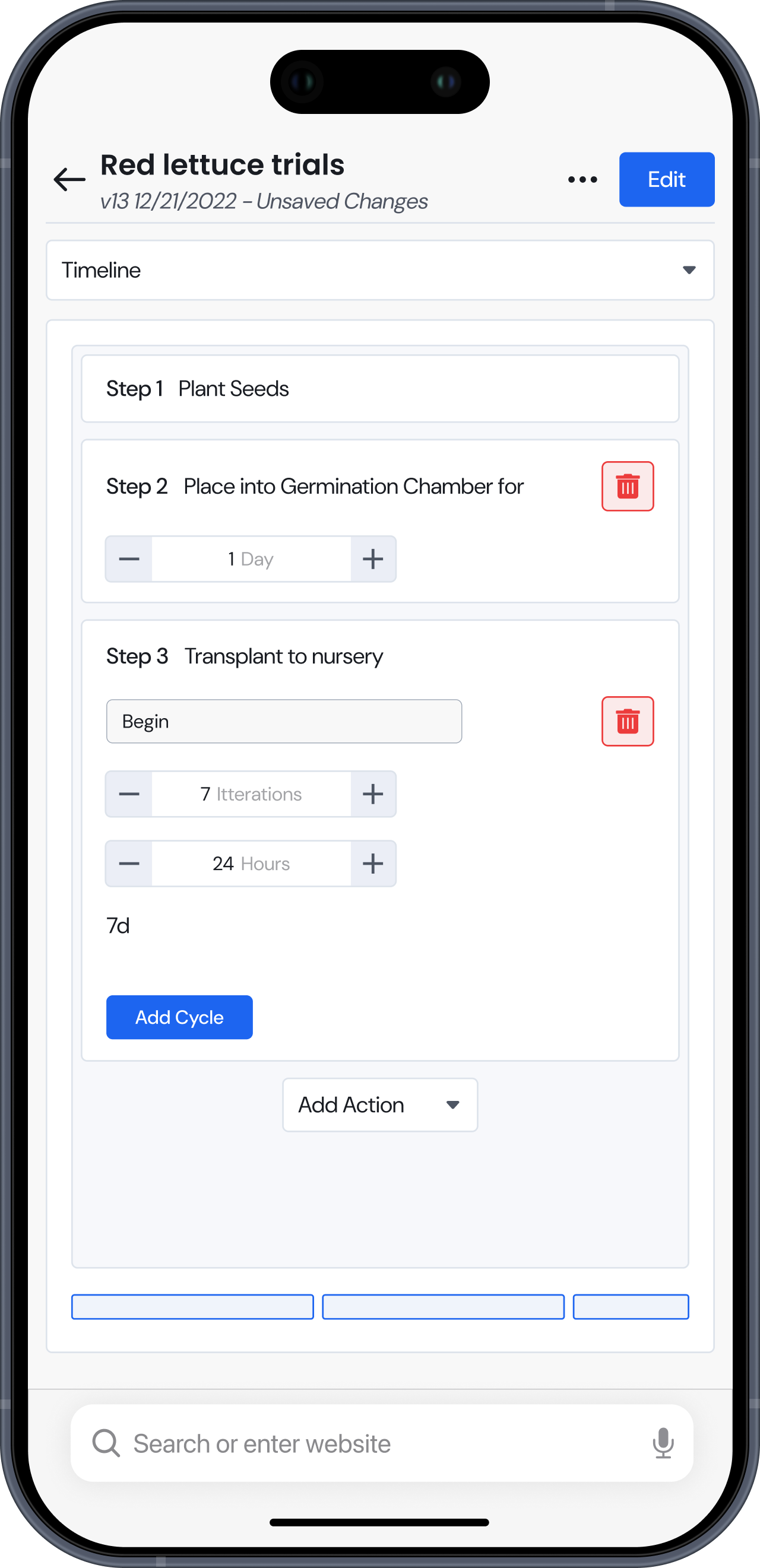
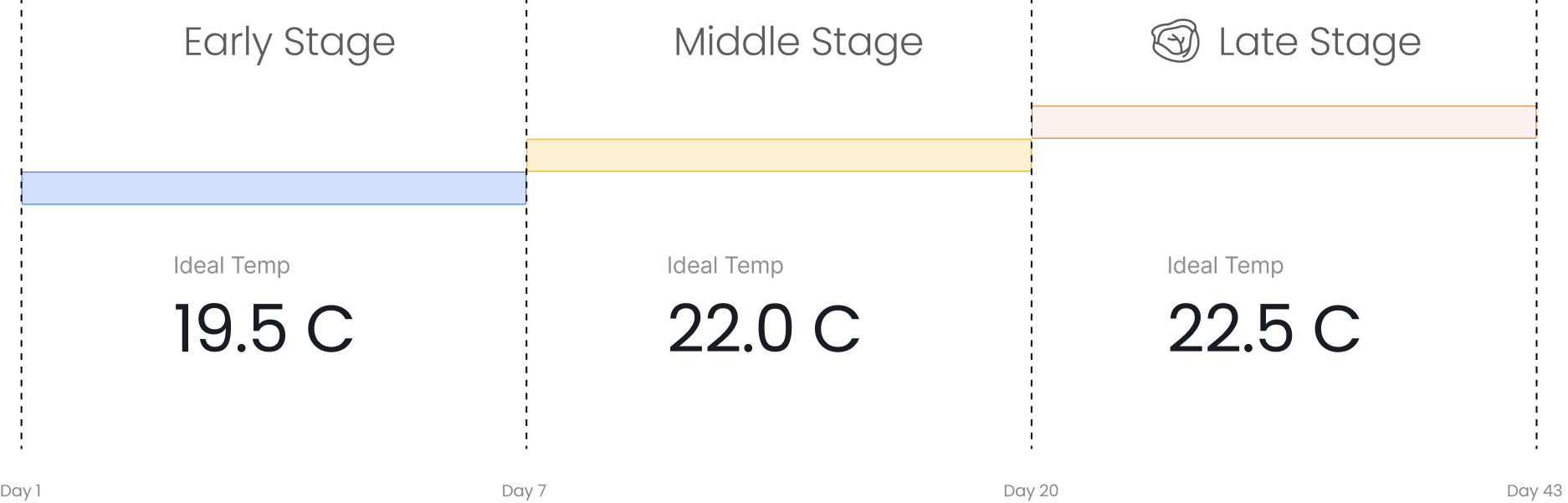
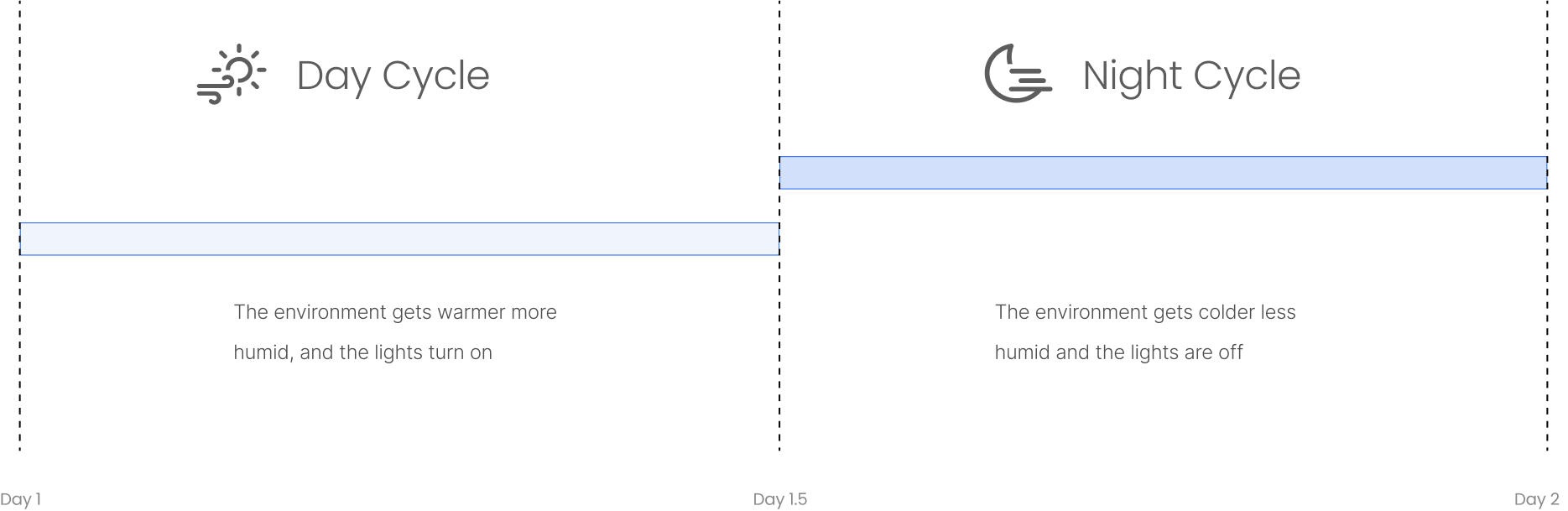
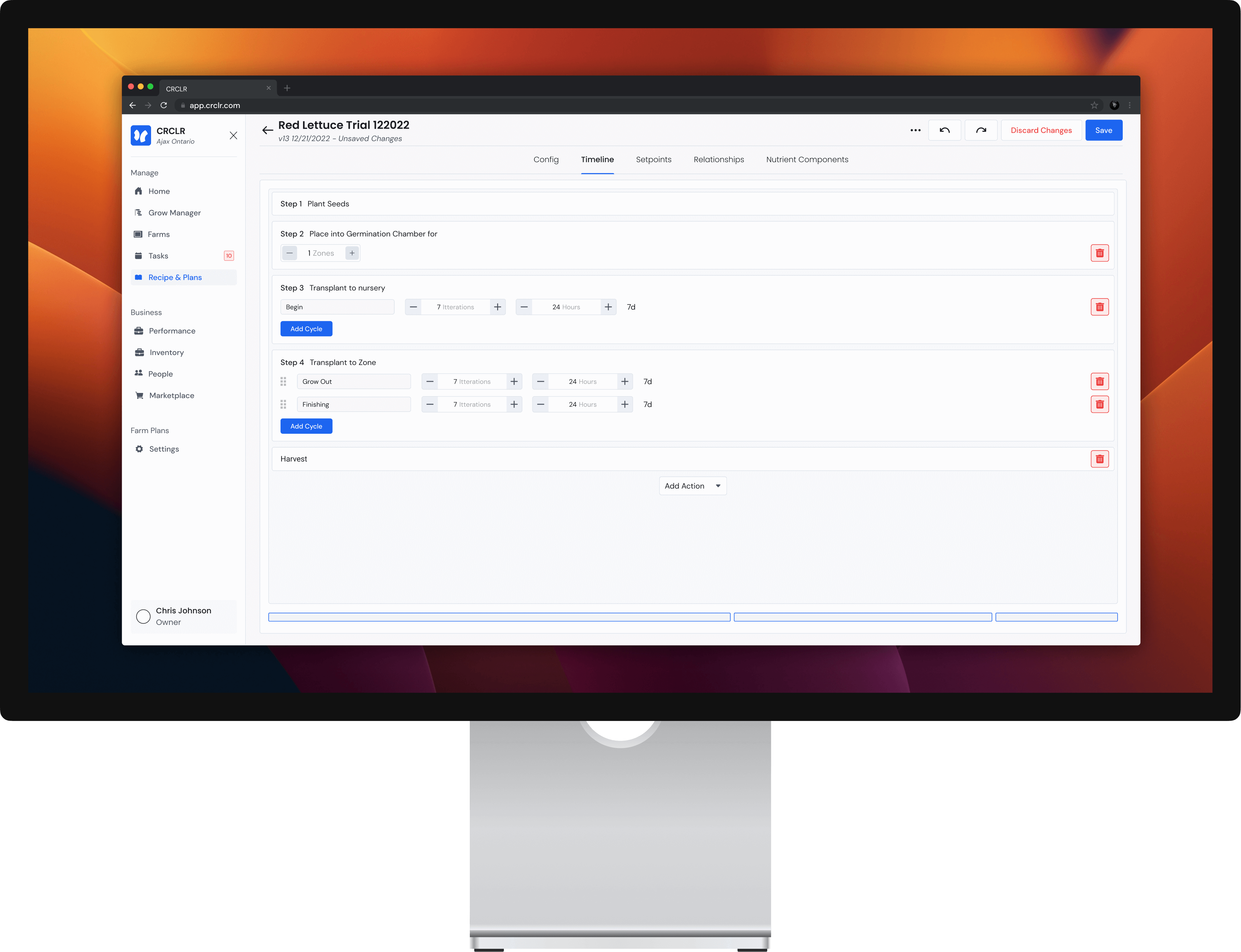
Timelines can be created to break the grow duration up into stages. Adding time to the recipes allows users to create environments that match a growing plants changing needs.
Helpful visuals guide users towards physically feasible expectations to prevent any impossible recipes from being pushed to production.
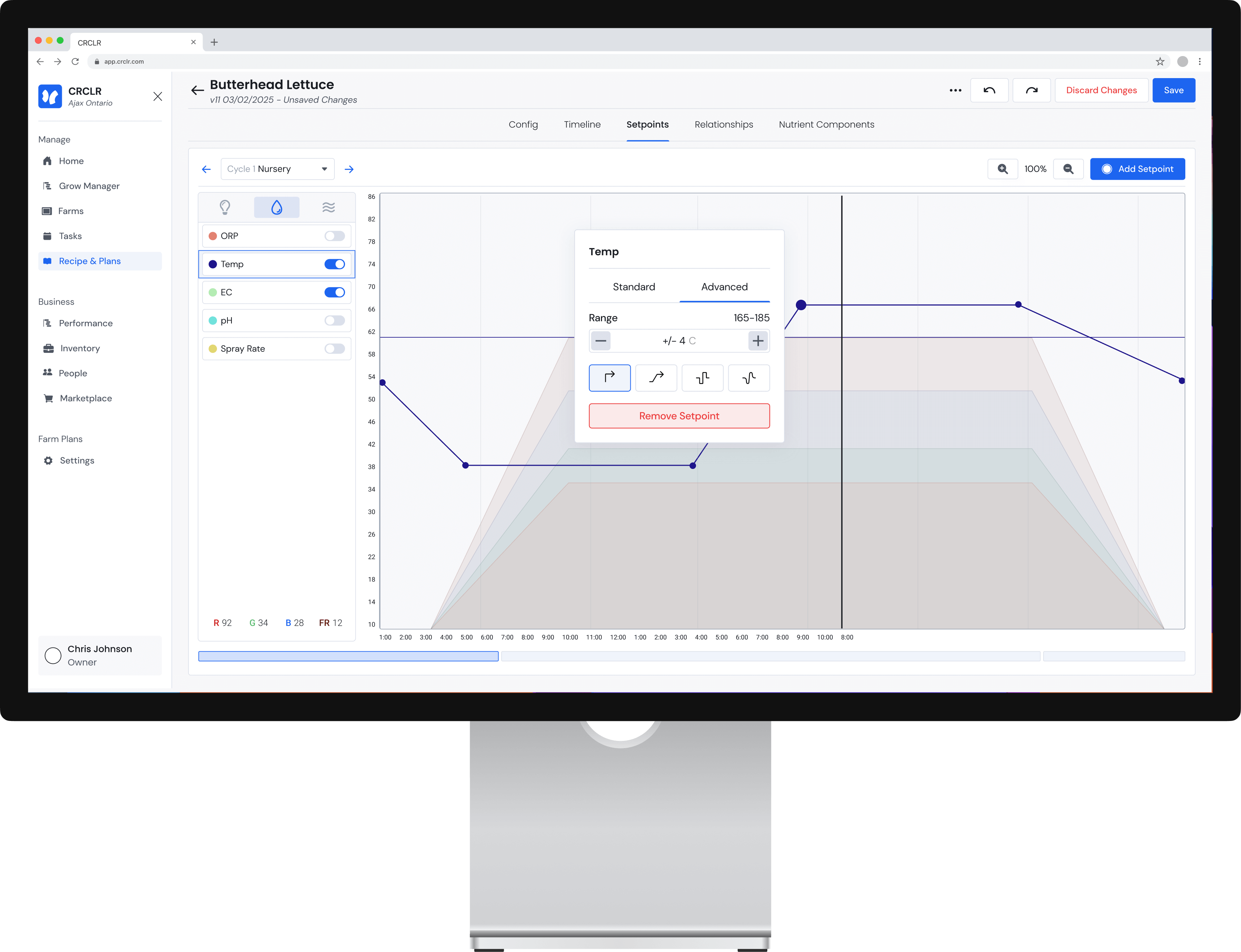
The editing page allows users to control over 15 environmental conditions over time. Parameters can be set with number inputs or visually through the graphed interface
The variables can be more precisely controlled with the pop setpoint pop ups. Users can set time and values directly or move to advanced settings to change the line type or acceptable ranges.
Timelines can be created to break the grow duration up into stages. Adding time to the recipes allows users to create environments that match a growing plants changing needs.
Helpful visuals guide users towards physically feasible expectations to prevent any impossible recipes from being pushed to production.
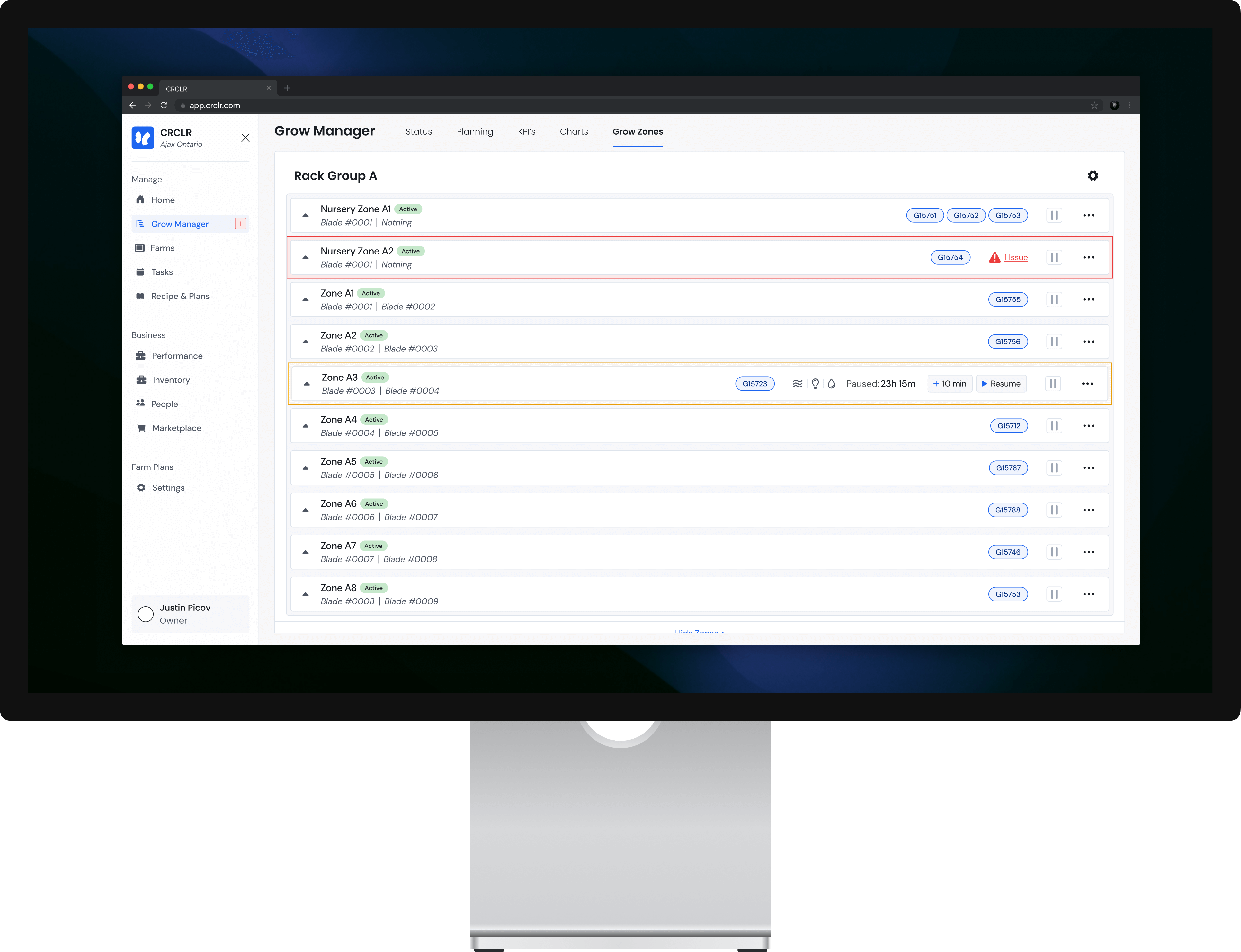
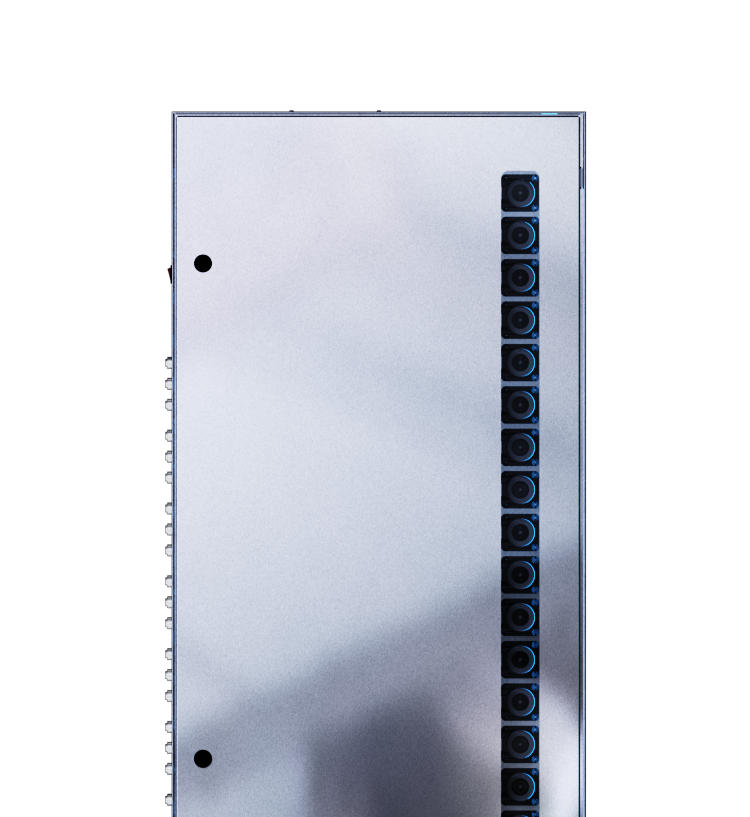
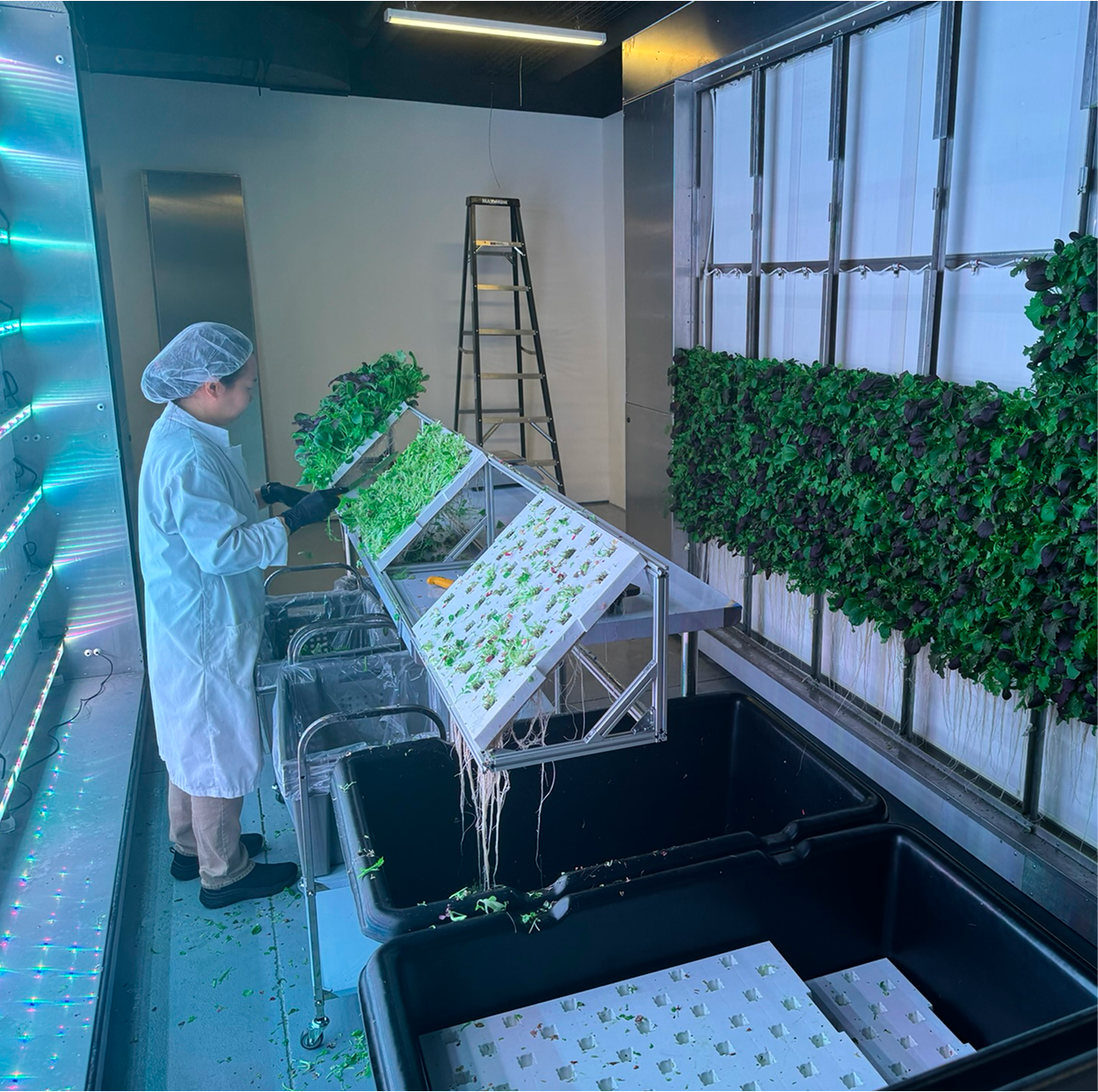
The CRCLR system is a series of movable racks, a nutrient distribution system and a software that allows users to manage indoor farms. These farms operate year round controlling all possible environmental variables such as temperature, nutrients, humidity, light levels & more.
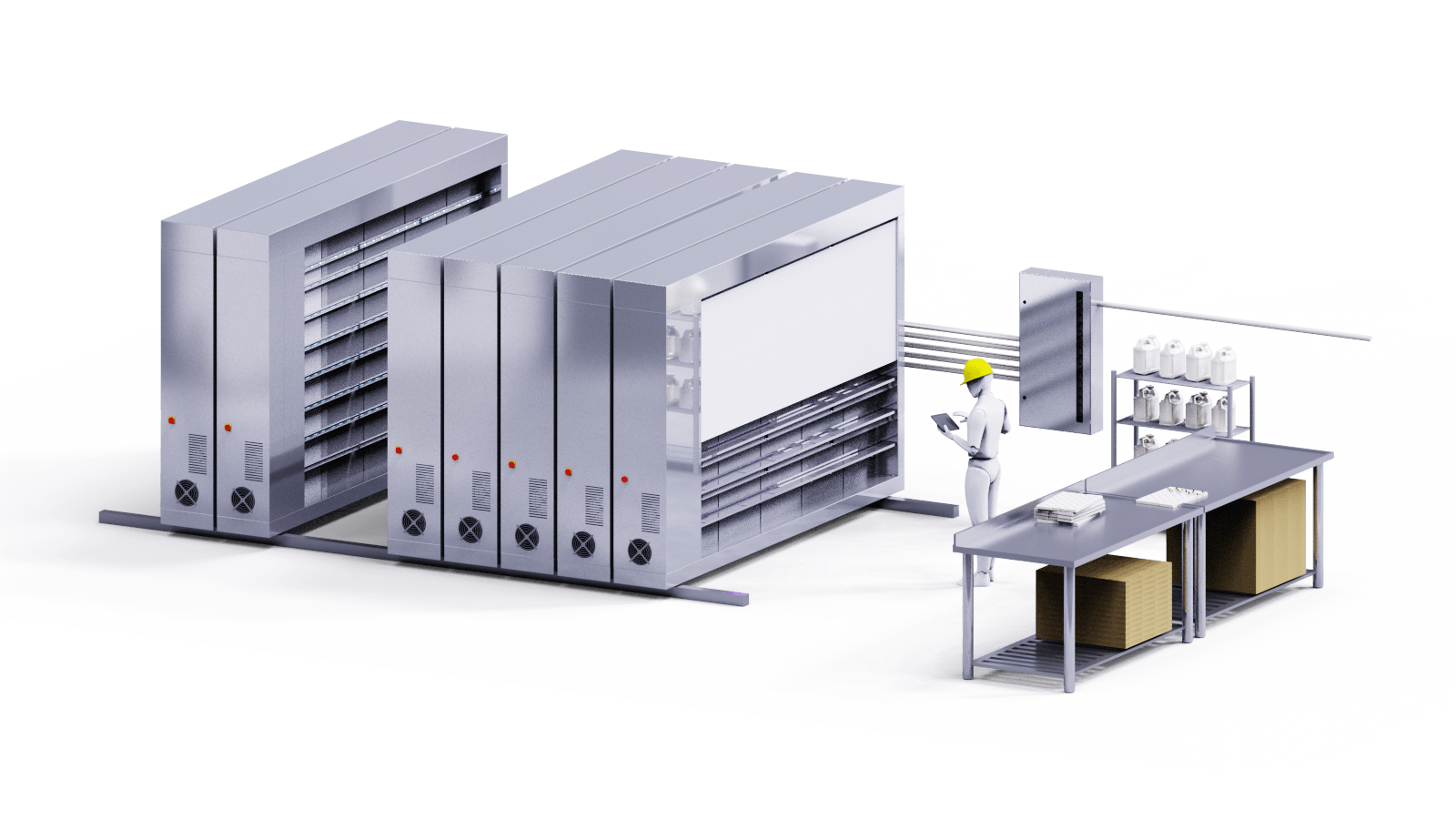

CRCLR as a brand aims to offer capable hardware & software packaged in a very sleek & easy to understand package. Important functions are always easily accessible with more niche specialized options hidden for users willing to dig.
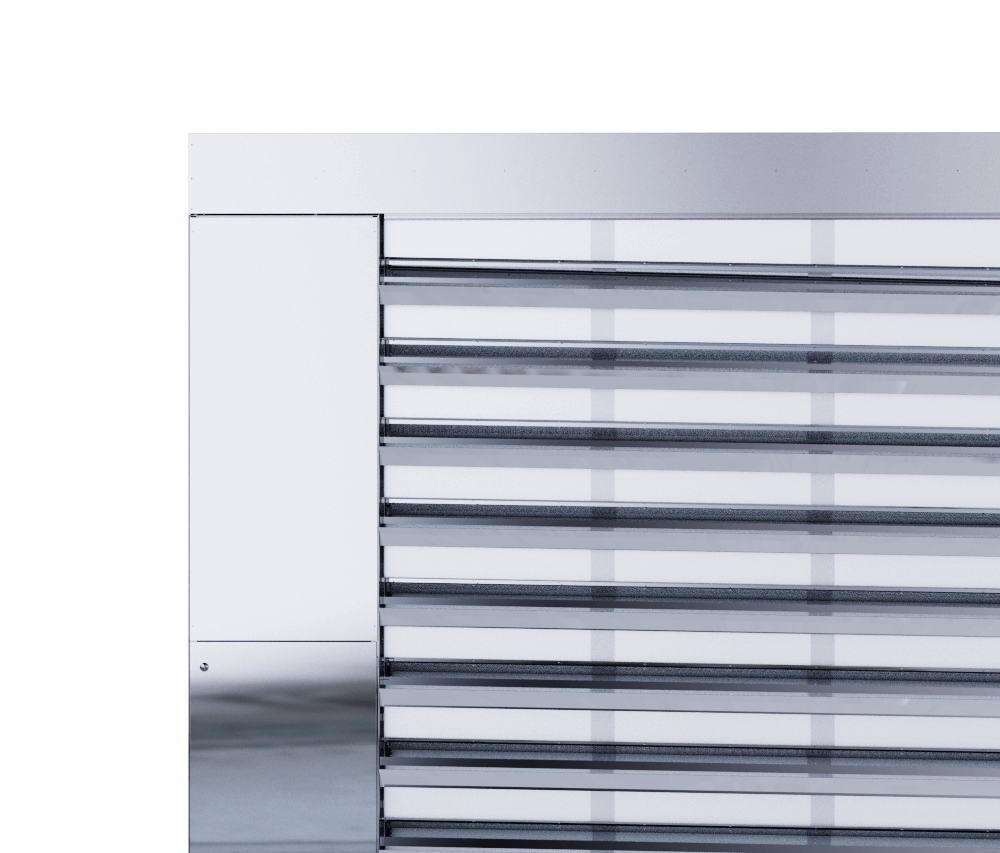
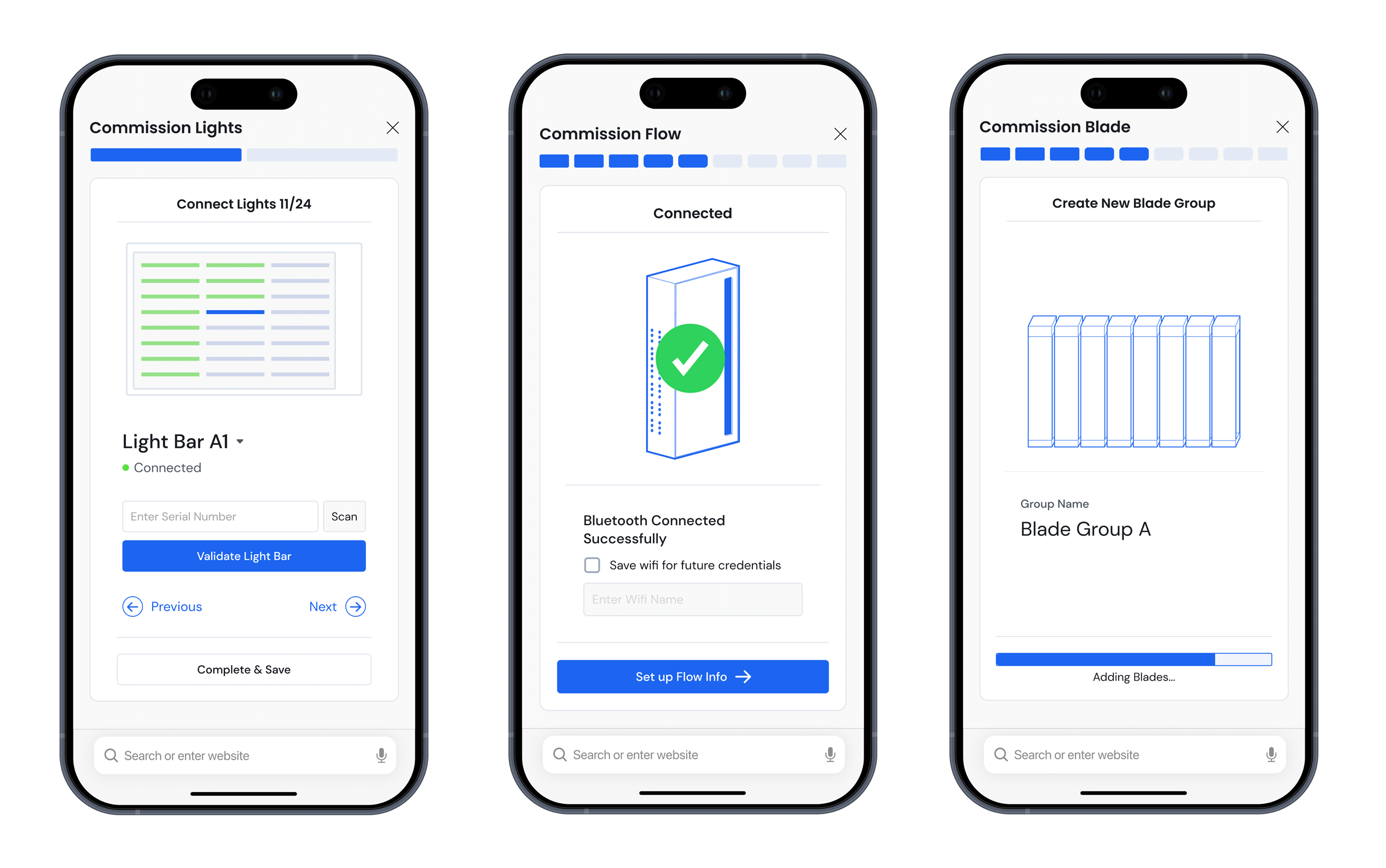
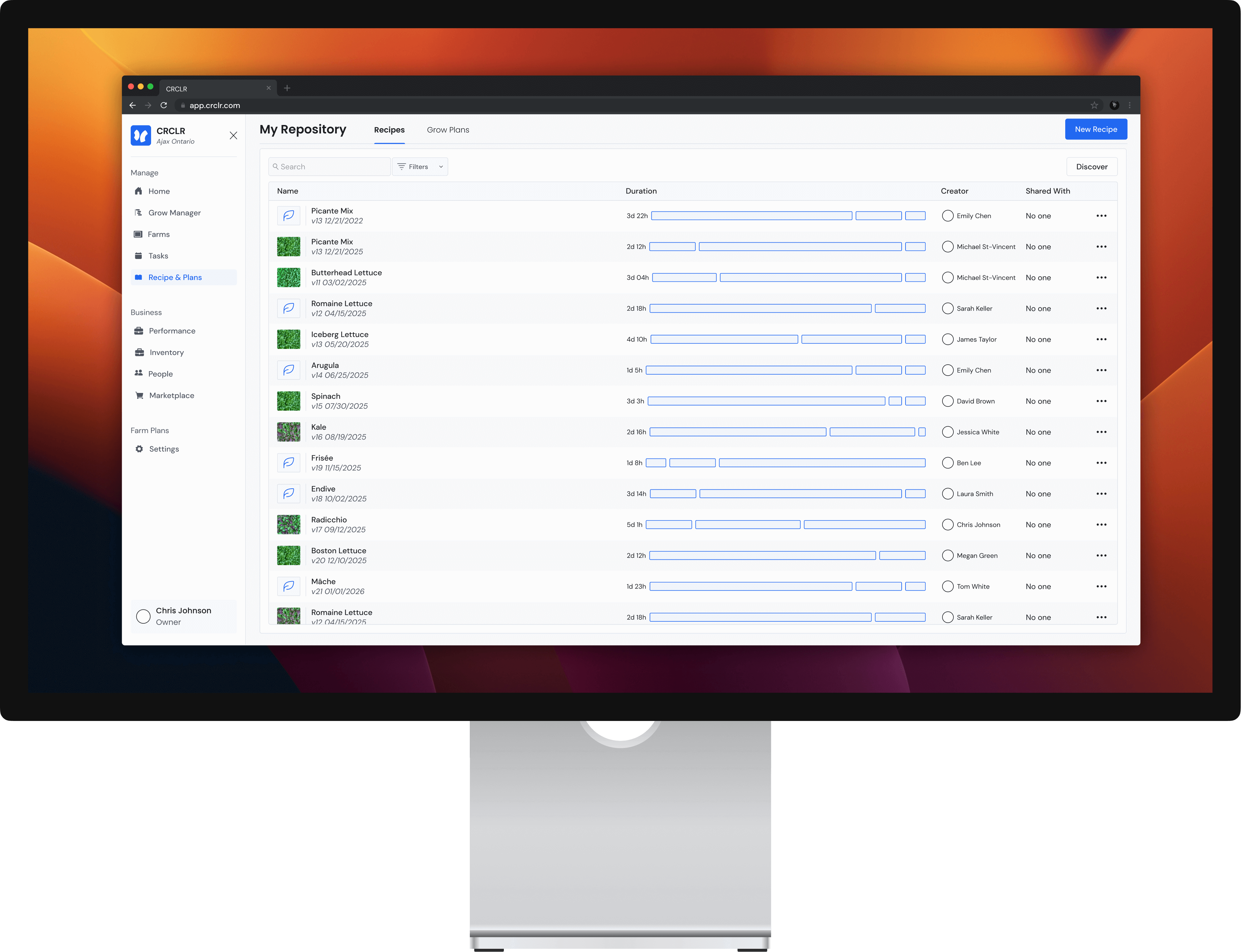
A recipe is really just a series of directions for the racks to follow. At any given moment the racks are given variables like temperature or air speed, and adjust physical devices to reflect those inputs.
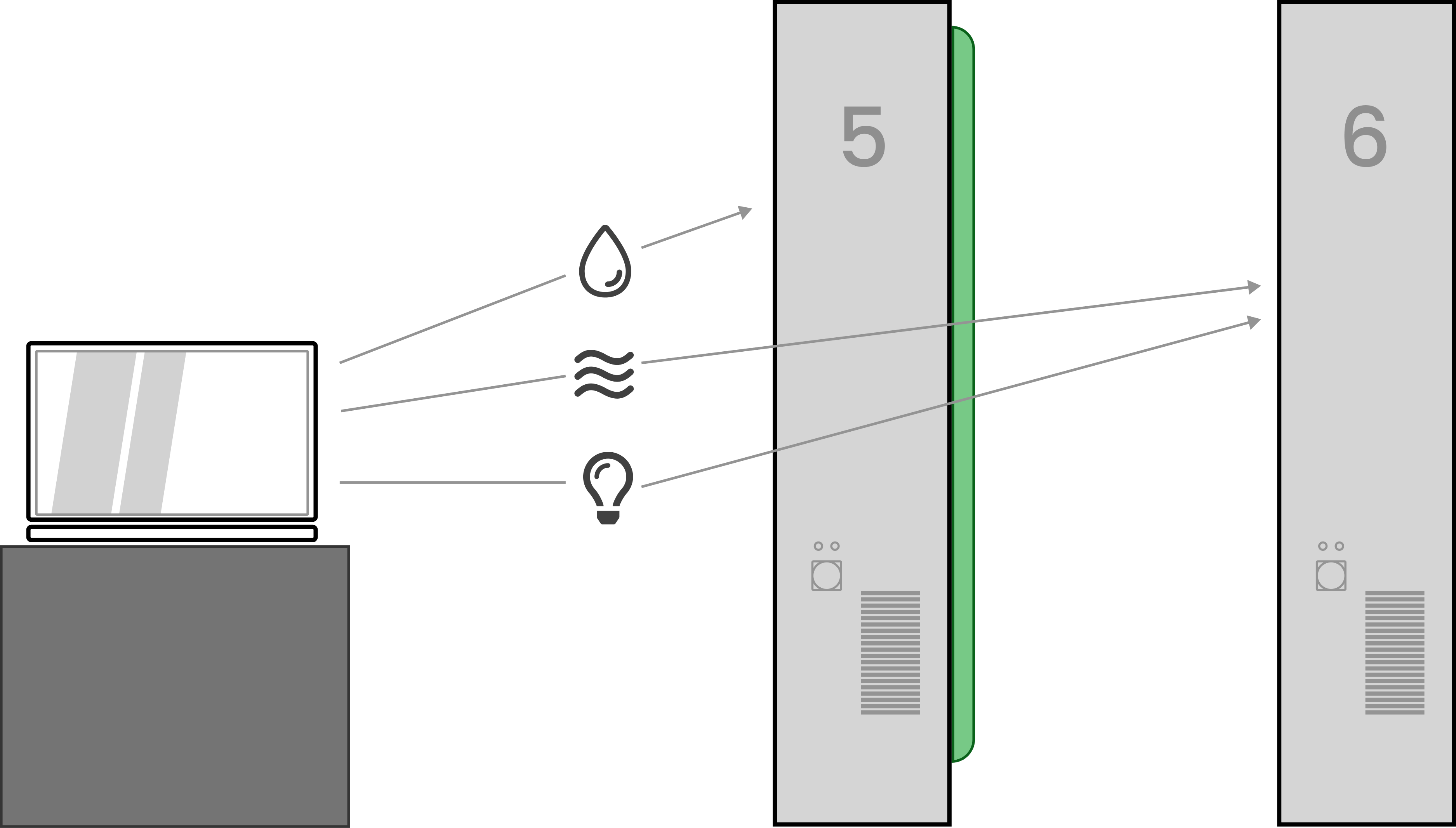
A recipe is what allows a user to control environmental variables within their farming units. Up to 15 unique variables can be controlled.



There are two main users the will find value from manipulating recipes, growers and plant scientists. Growers will be tweaking, reading and running the recipes while growing out their crops while plant scientists will be pushing the boundaries of the recipe's capabilities to yield new growing insights.

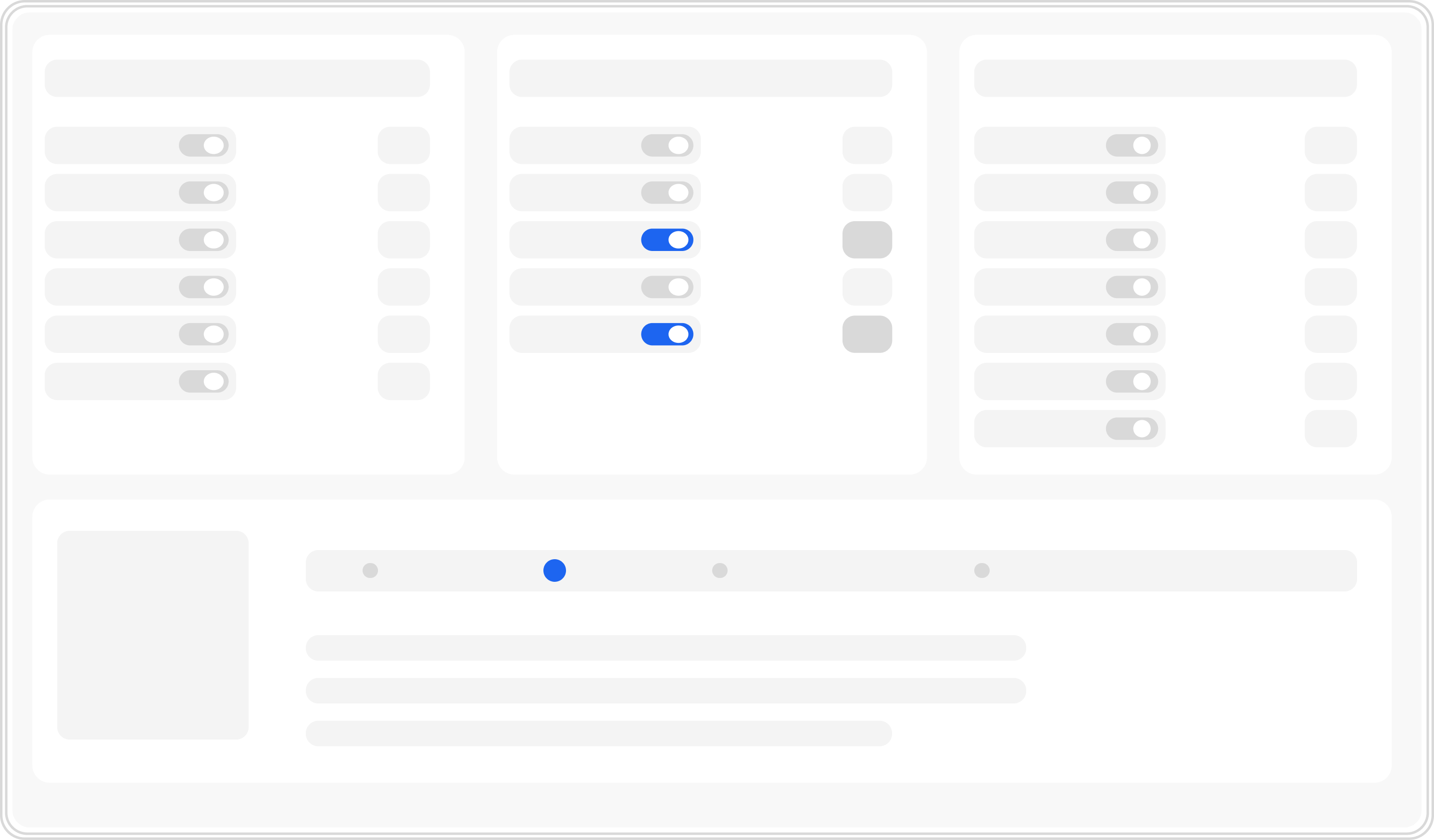
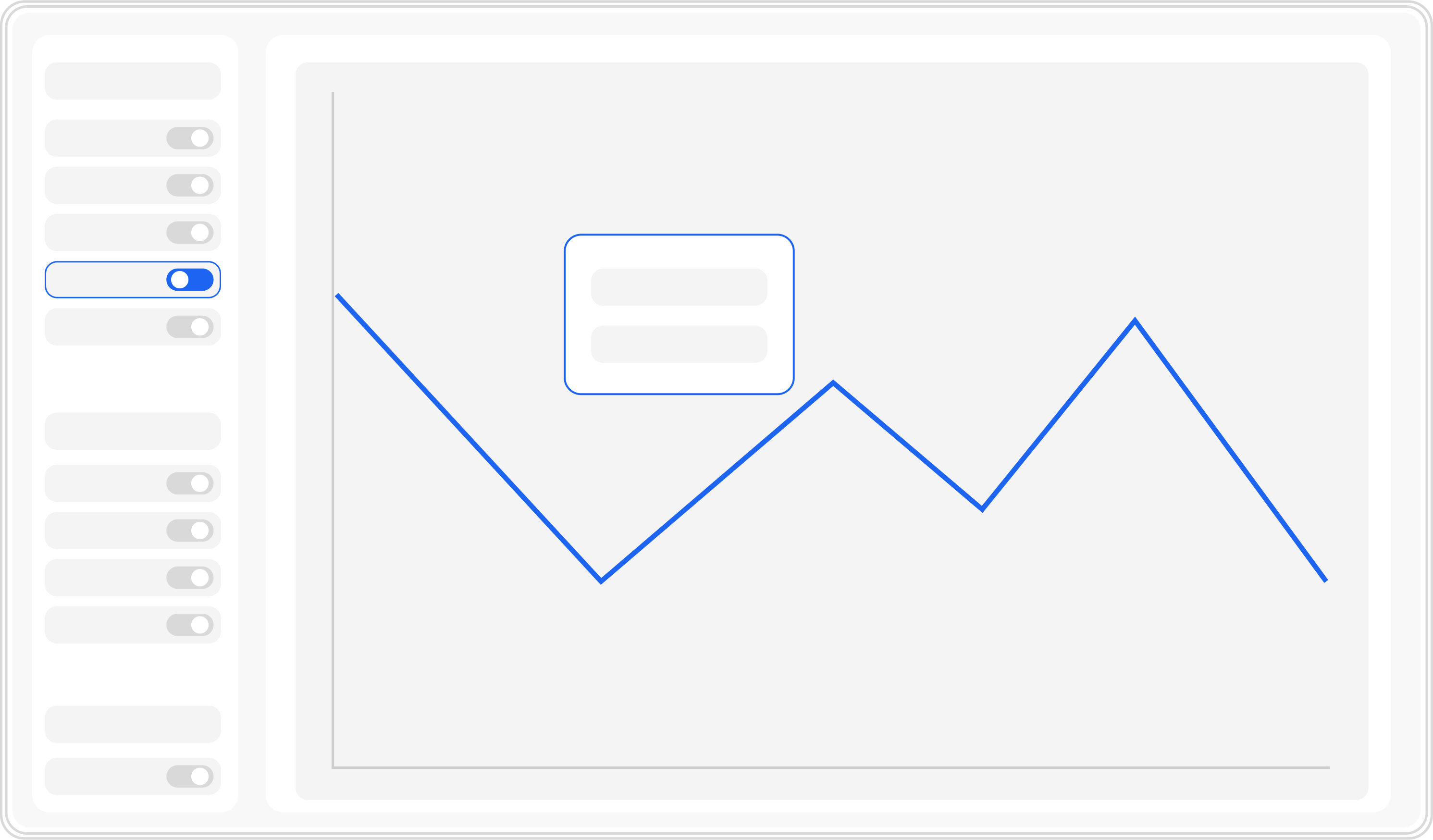
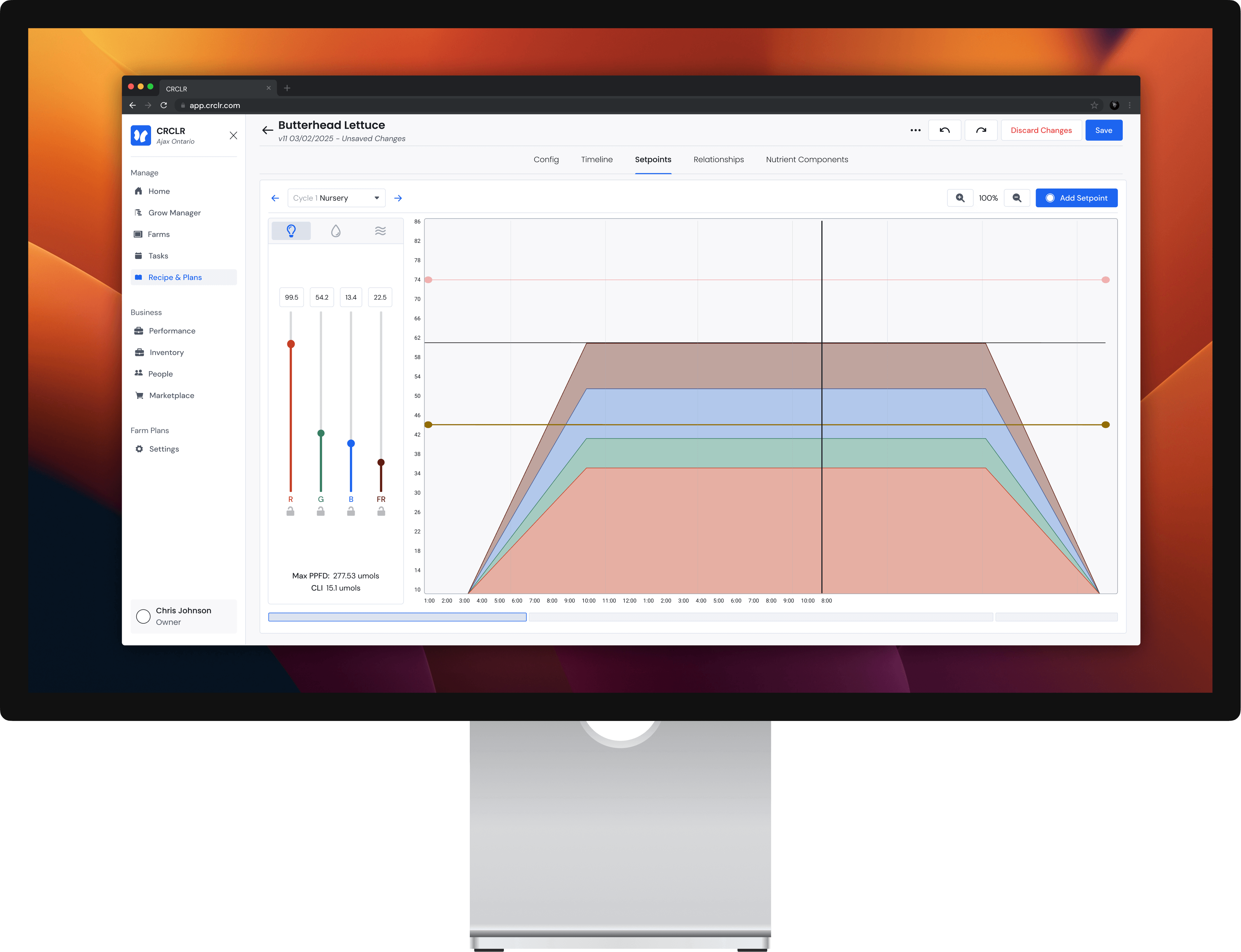
The setpoints page is the main location for managing the variables a recipe runs through during a grow. The setpoints can be managed in the legend to the left while the timeline is displayed visually below. Within the graph, dots called "set points" can be added to lines and either dragged into place or manipulated through the setpoint popups.
Lighting is a bit different compared to the other variables. Lighting spectrums all affect one another meaning increasing one may change the max limit of another. The sliders are able to be locked therefore limiting th maxes of the other spectrums.
In the timeline tab, users can create their recipe timeline by adding named stages of growth & subcycles. These stages all have controlled cycle lengths & amount of cycles allowing unlimited levels of precision timing down to the hour is necessary.


When explaining the operation of recipe creation, the first response was that the growers were overwhelmed. Any steps to simplify the process were welcomed.
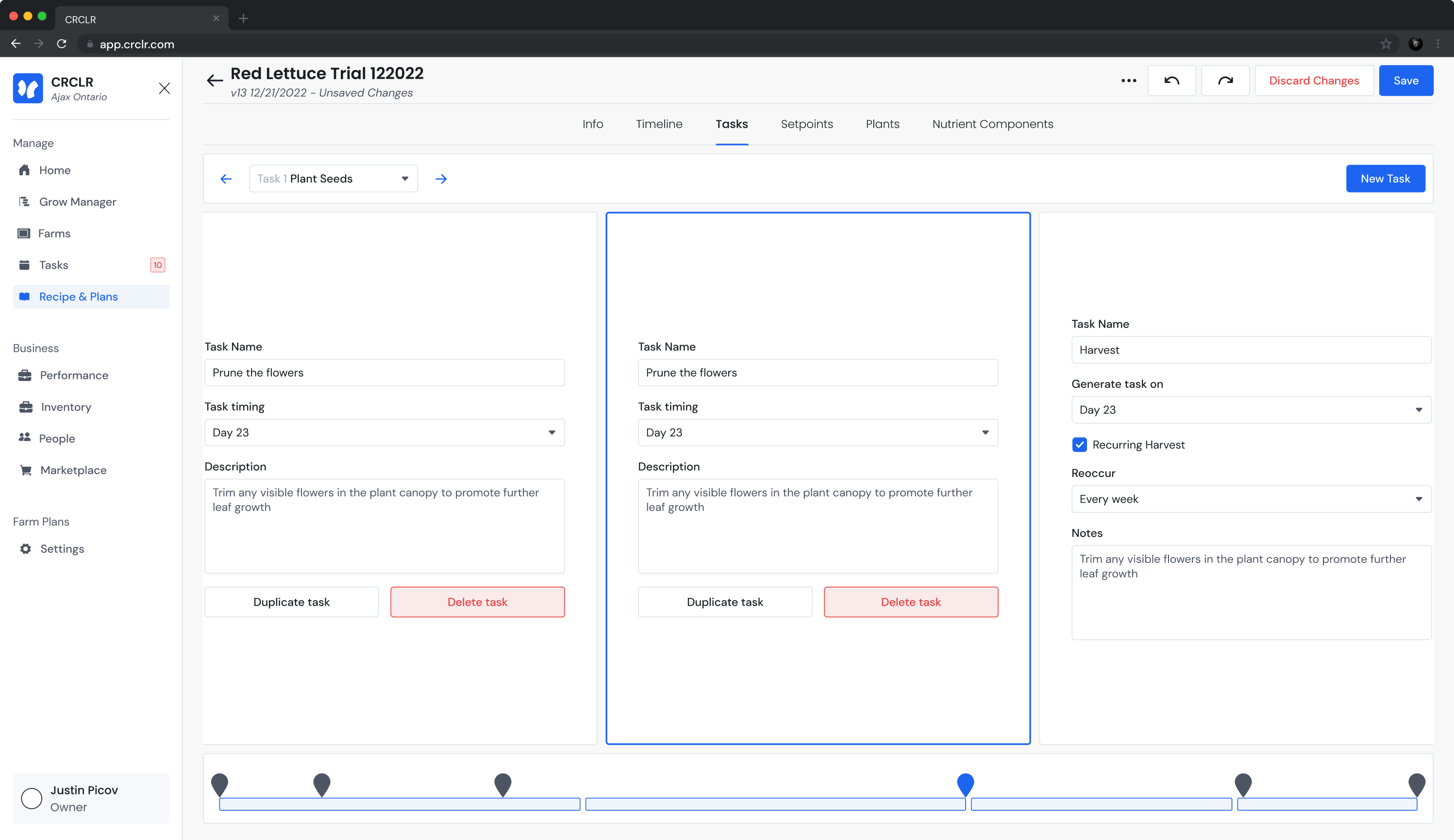
For certain tasks, unique tasks like pruning or cutting flowers could exist. Users requested a way to add these tasks to their lists when creating a recipe.
Users often shared recipes and the one they were using might not have been created by them. There were requests for a place to include instructions alongside tasks or steps for clarity.